Once questions are saved in the question bank, add them to a quiz and arrange them into a deliberate order. This archived walkthrough uses the 2016 Moodle quiz editor.
Before releasing a quiz, preview it as a learner and confirm that the availability dates, time zone, grades, and question order are correct.
Table of contents
Open Table of contents
Opening the Quiz Editor
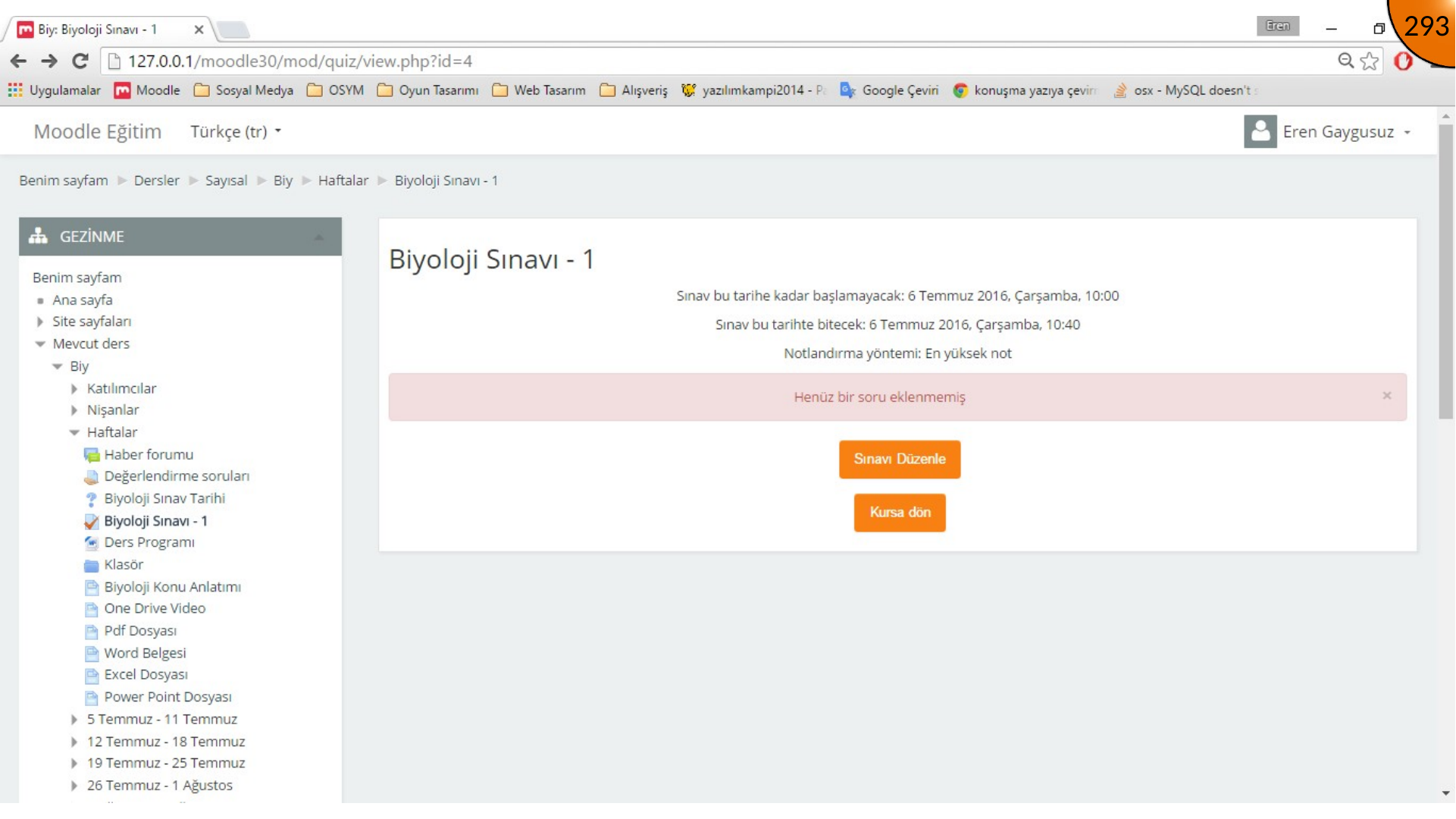
Return to the quiz and choose Edit quiz.
Selecting Questions from the Bank
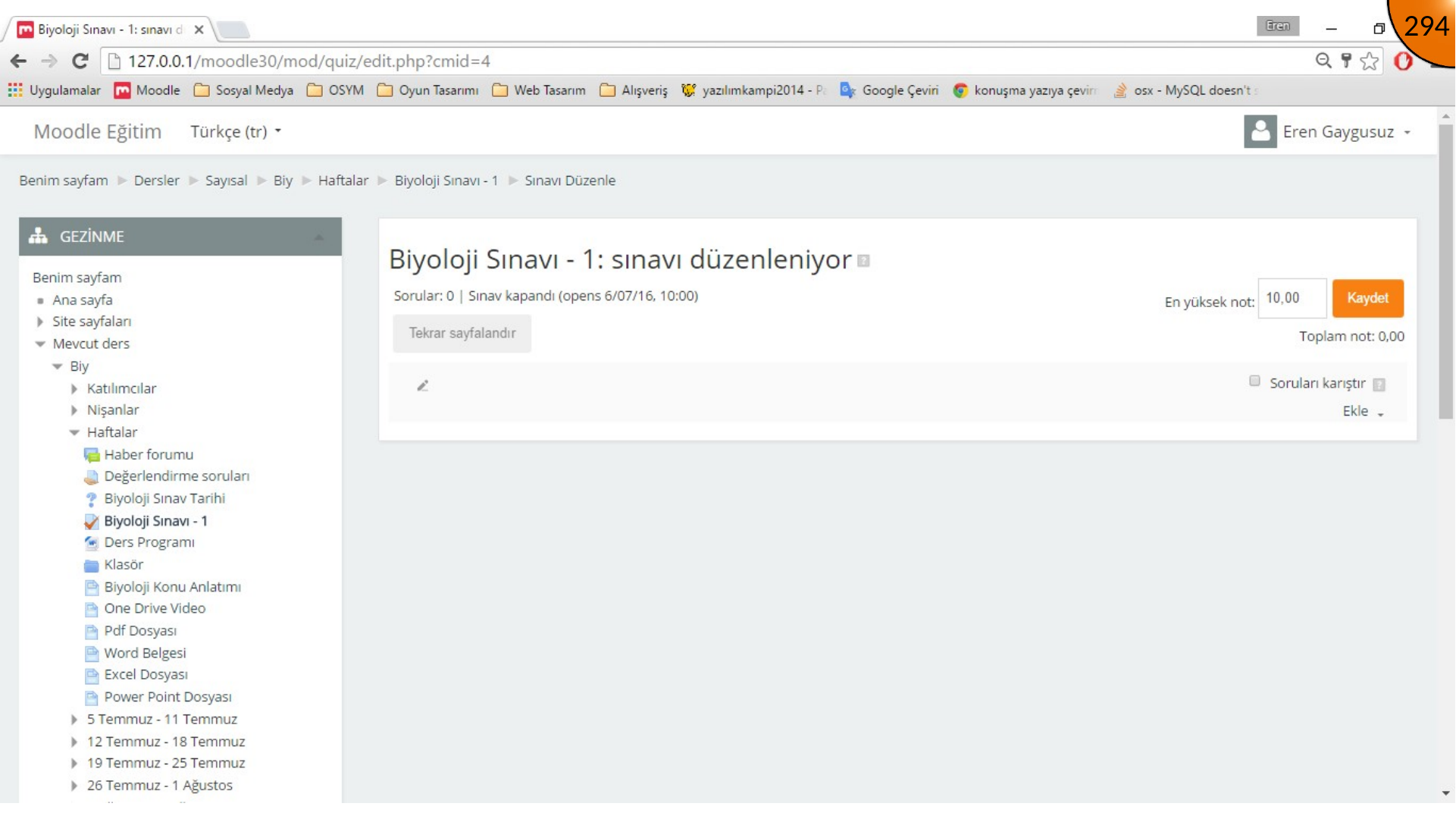
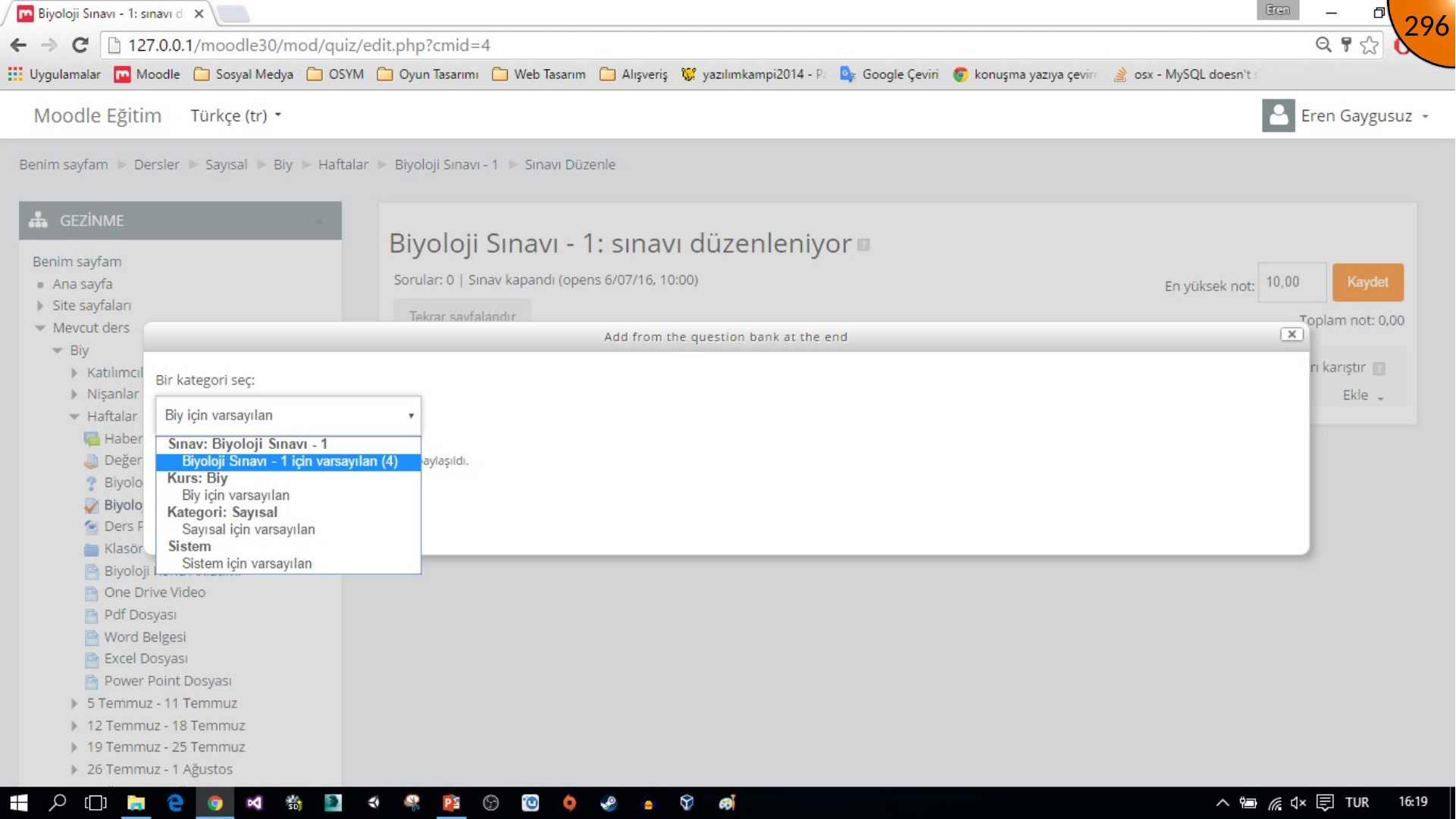
On the quiz editing page, click Add in the upper-right area and choose from question bank.
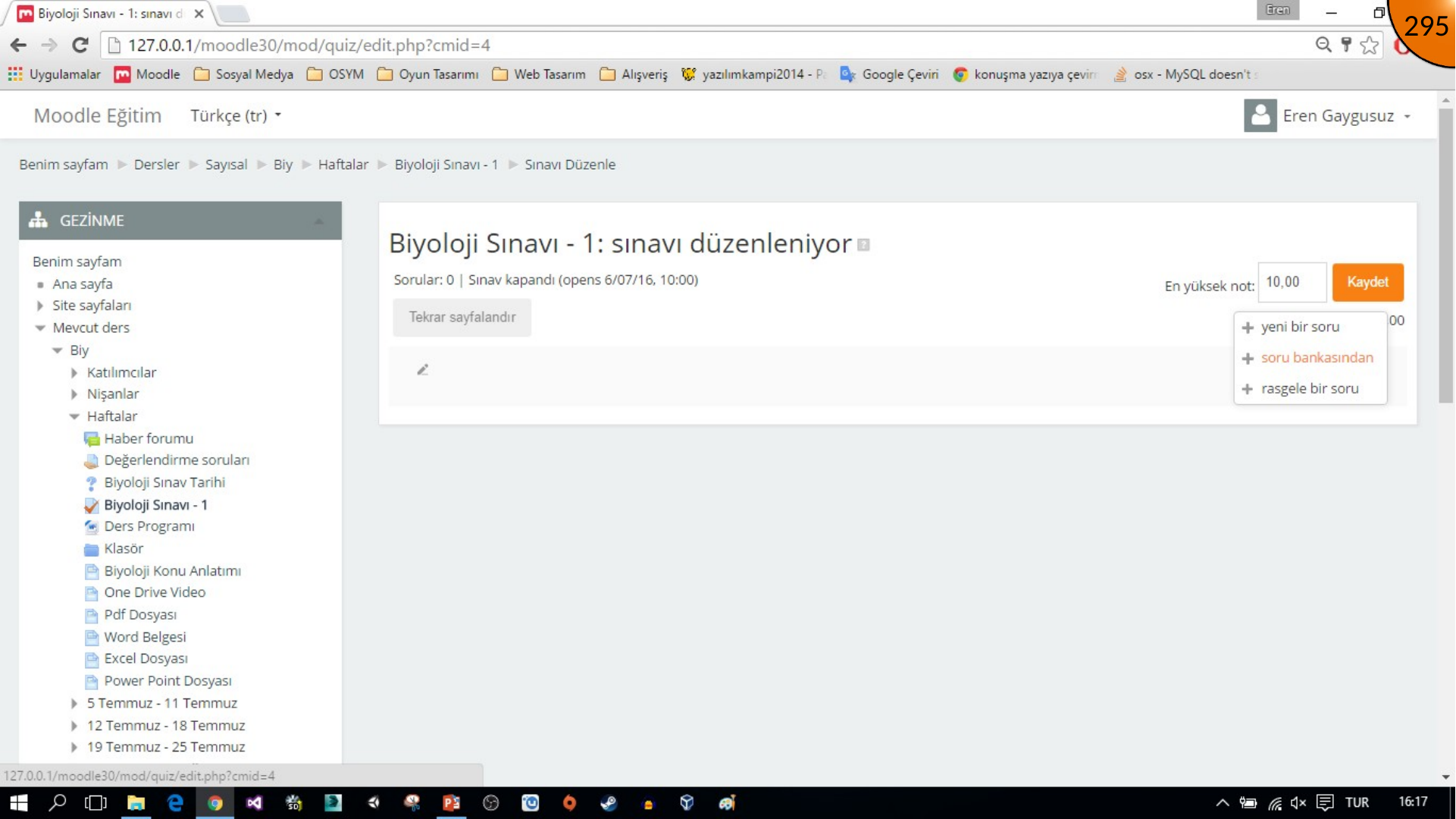
Choose the category that contains the questions you created. The source example selects the default category for its Biology quiz; select the equivalent category in your course.
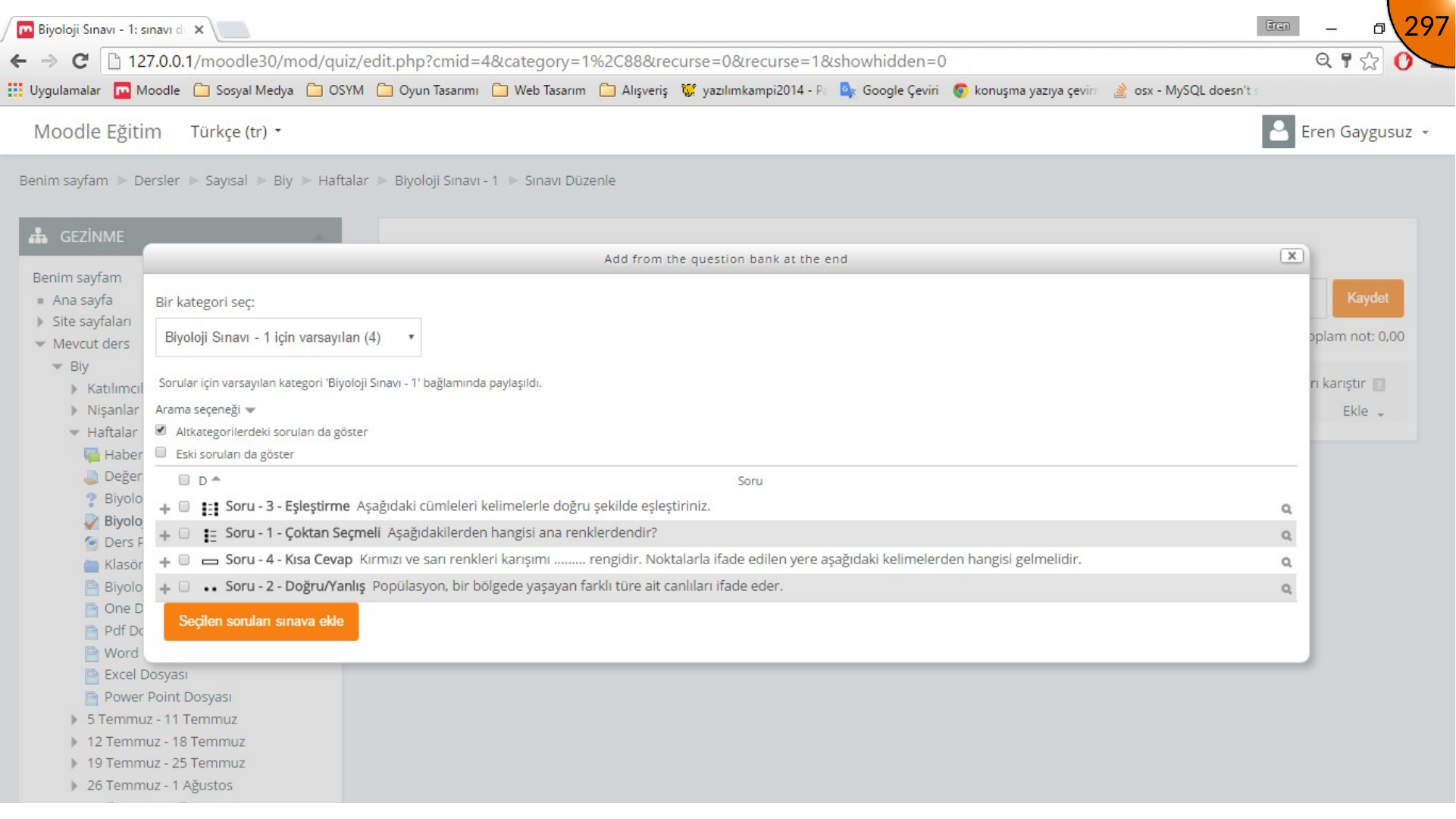
Select the required questions and click Add selected questions to the quiz.
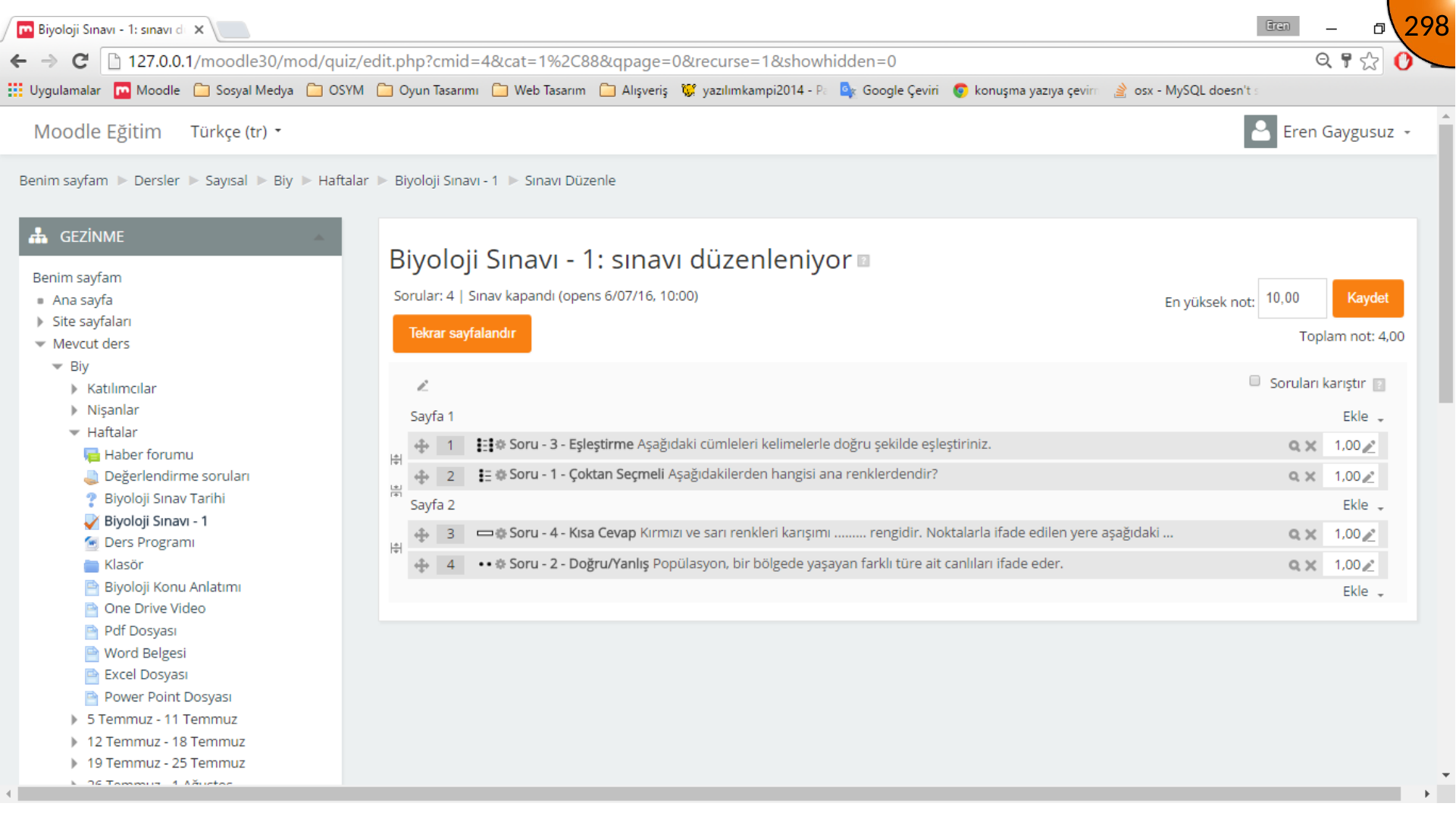
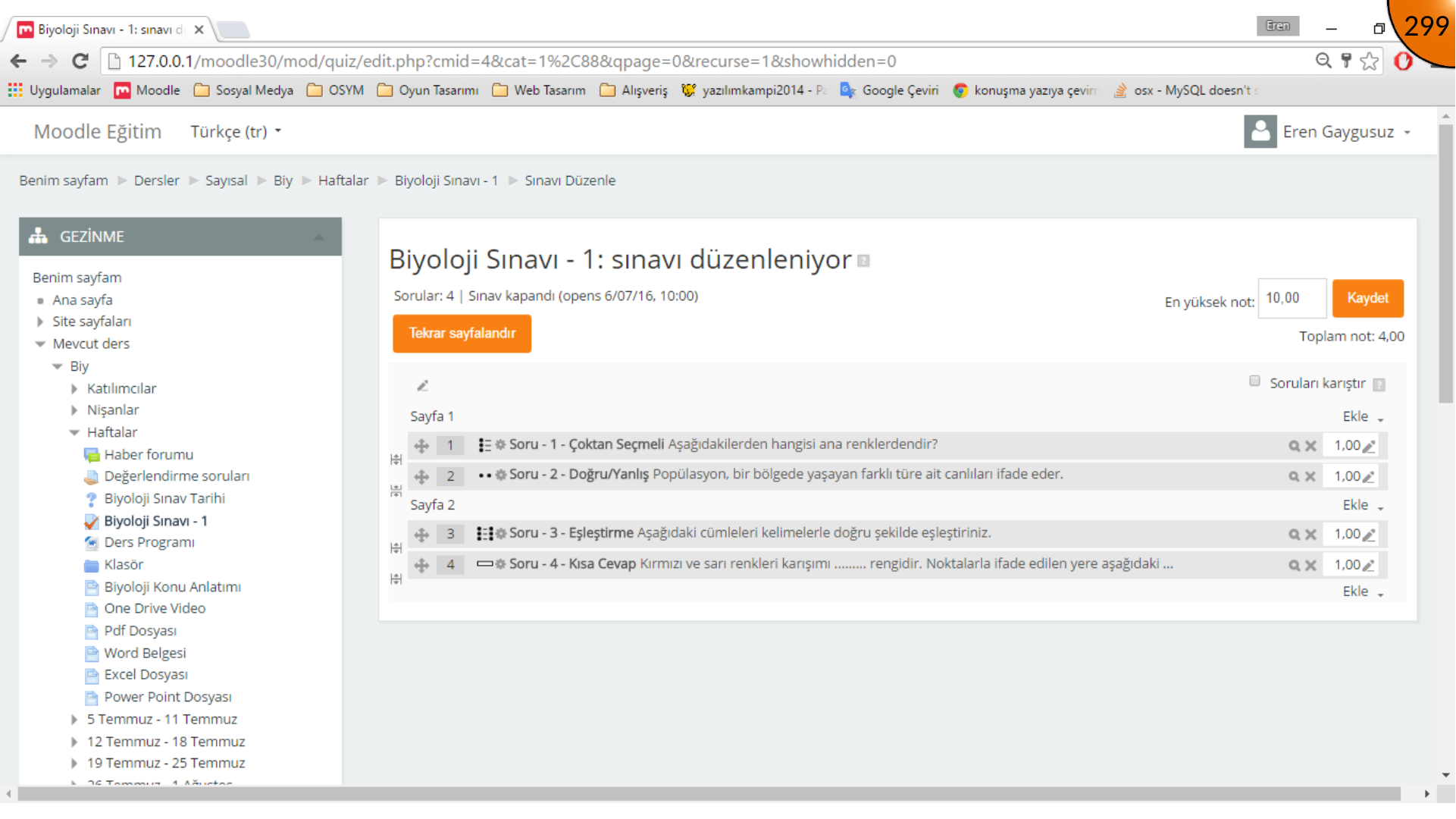
Setting the Question Order
Questions may not appear in the intended order after being added. Use the move handle to drag each question into place, then save the changes.
Checking Availability
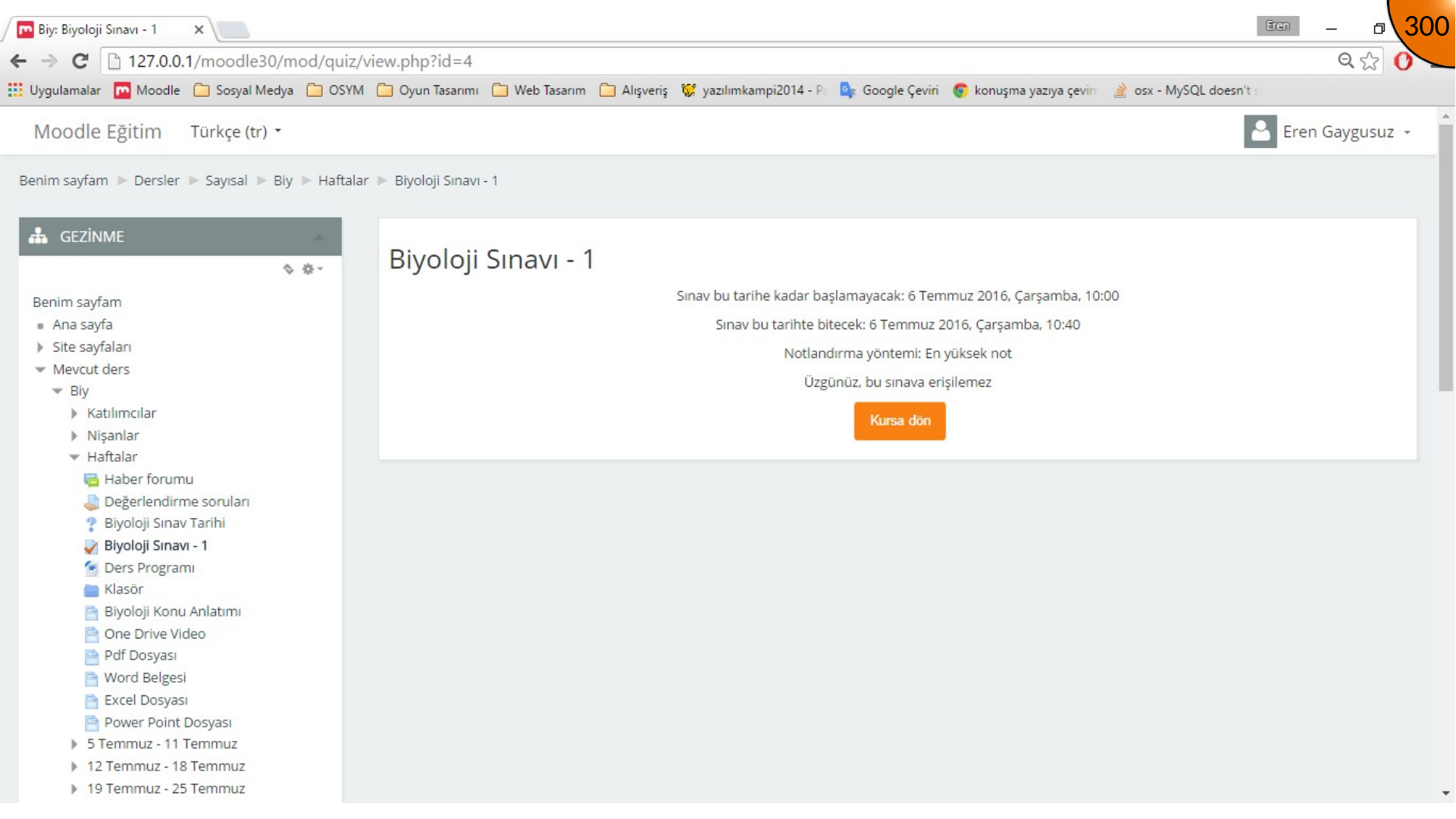
The source quiz is still unavailable because its time-zone settings have not yet been configured. The following section addresses enrolment, quiz timing, and regional settings before a learner attempts the quiz.
Summary
Choose the desired category, add the required questions, and arrange them before publishing the quiz. Test the full learner journey rather than relying only on the editor preview.
Comments