This archived 2016 workflow connects three related tasks: allowing students to join a course with a self-enrolment key, setting quiz availability, and configuring the site’s regional time settings.
Use a strong, non-reused enrolment key. For current Moodle sites, consider whether self-enrolment is appropriate for the course and limit it with dates, cohorts, or approved enrolment methods where needed.
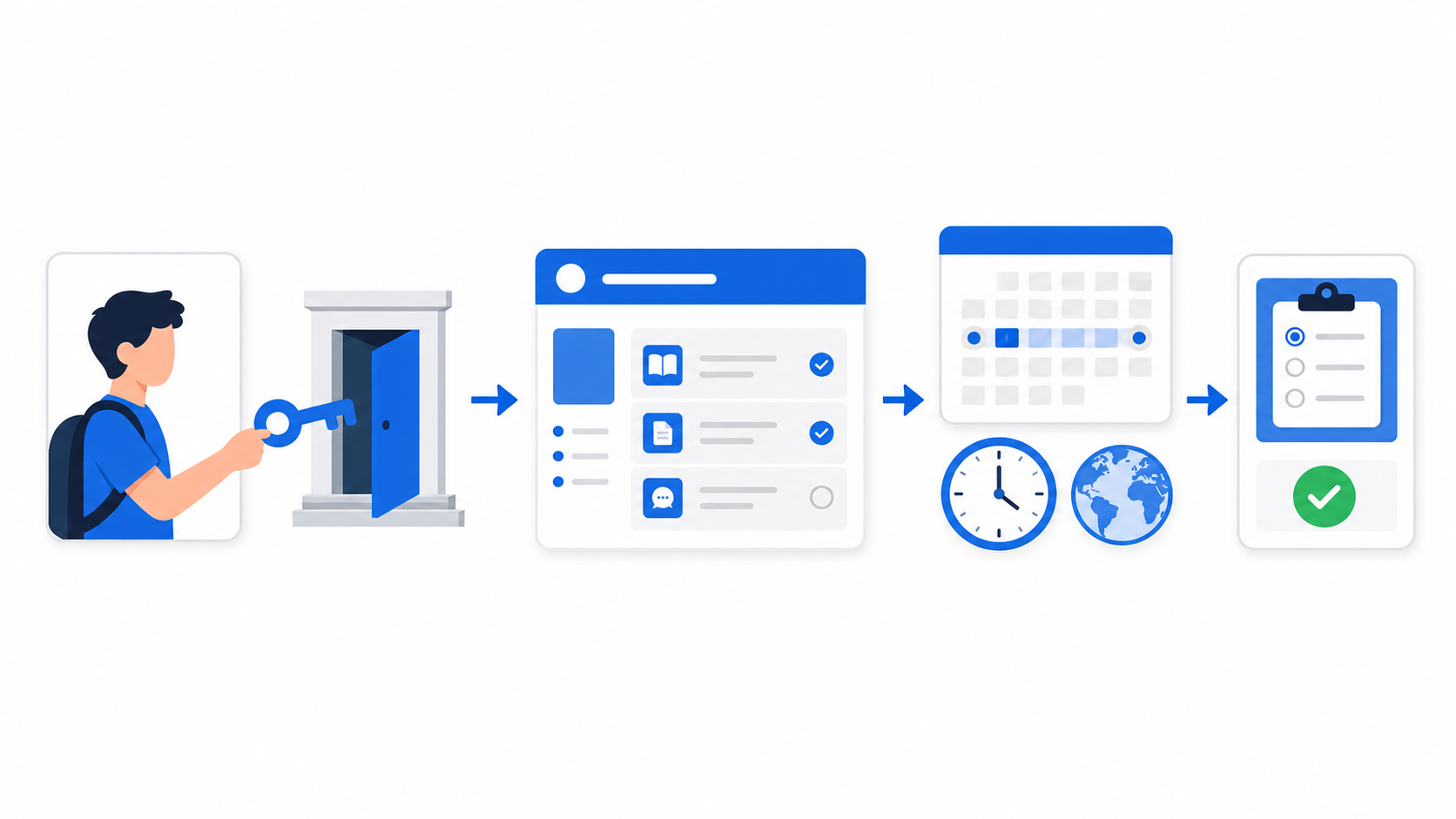
Table of contents
Open Table of contents
Configuring Self-Enrolment
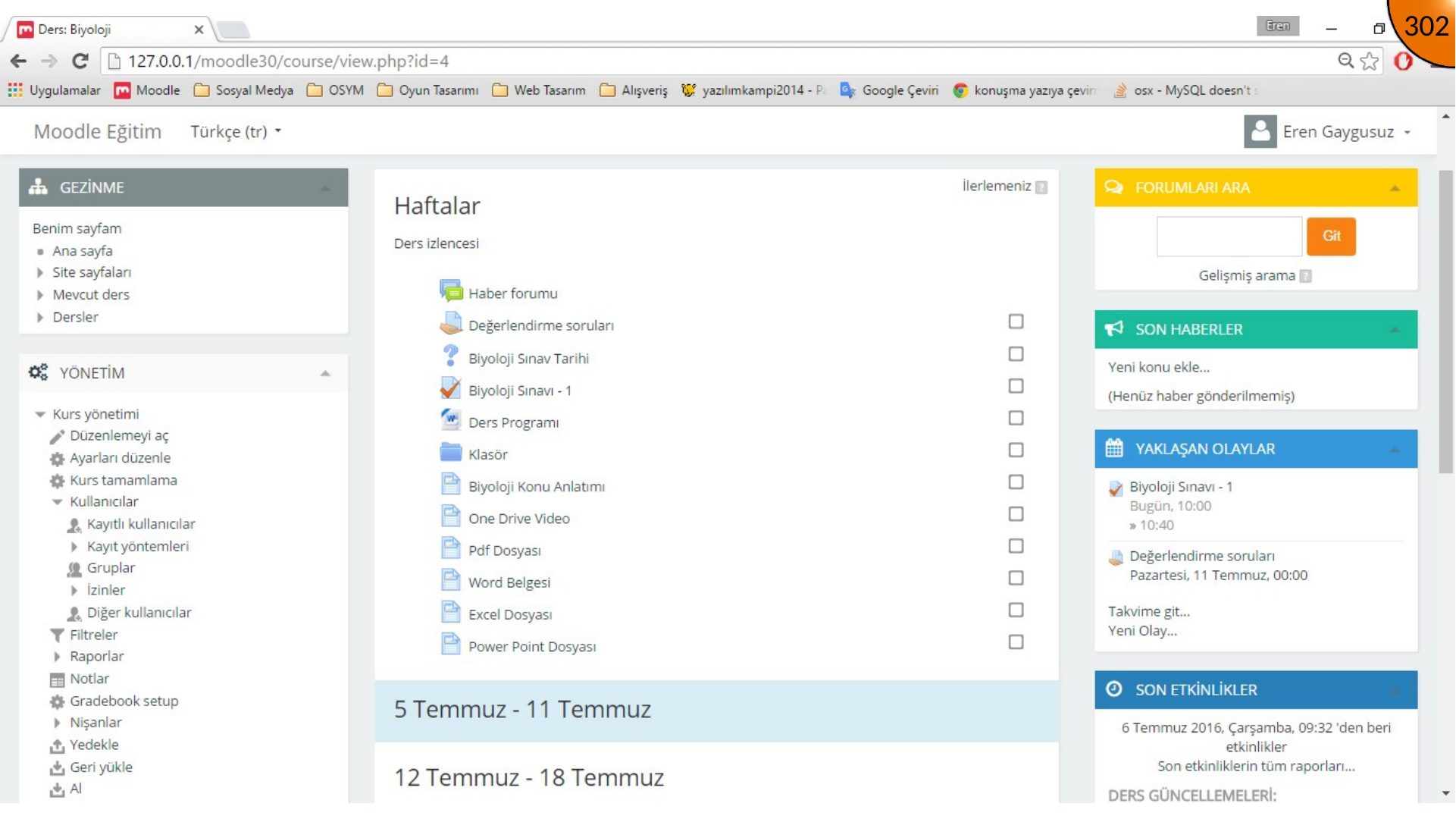
Open the course and follow the course administration/users path to Enrolment methods. Locate Self enrolment (Student) and open its settings.
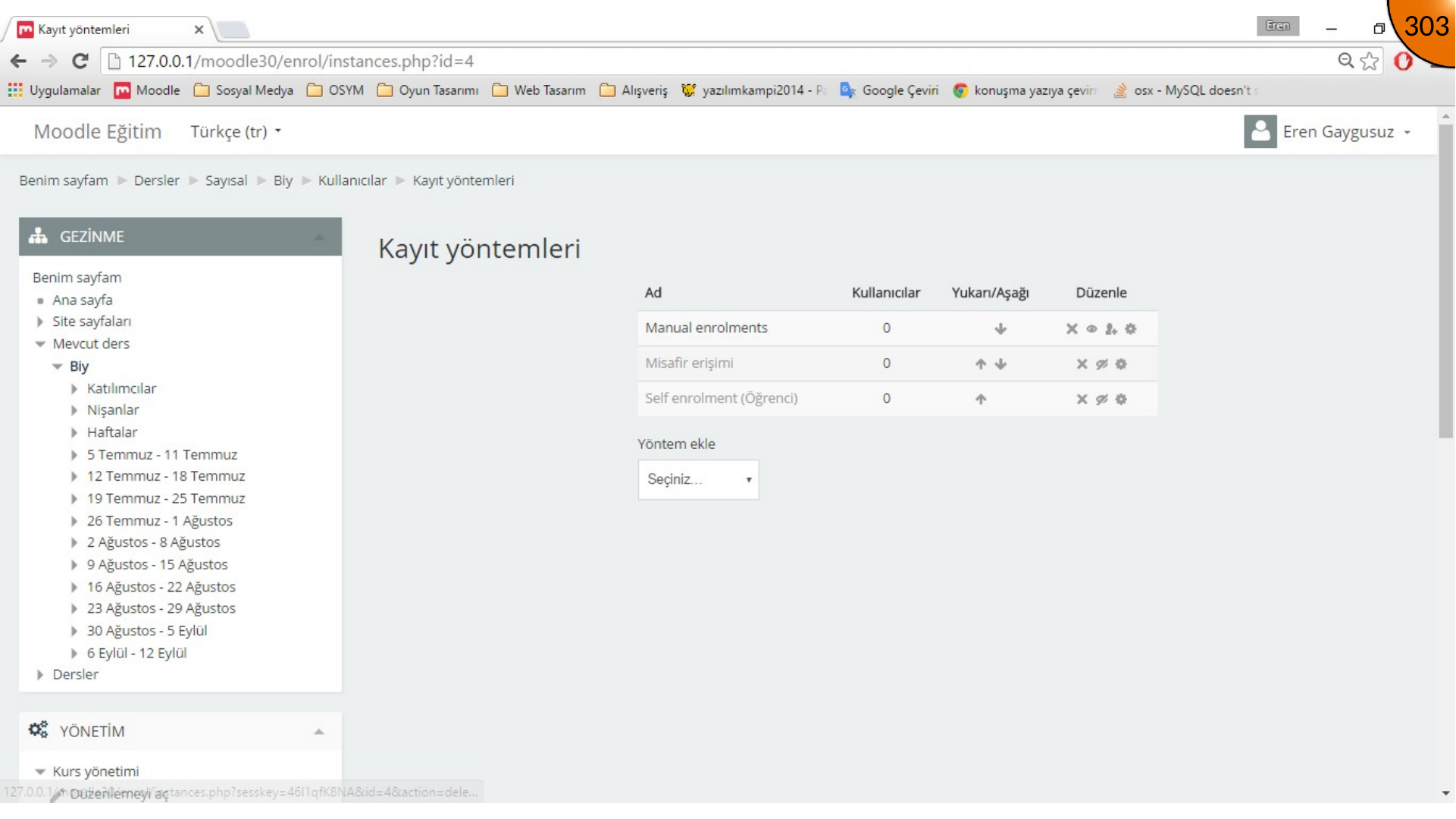
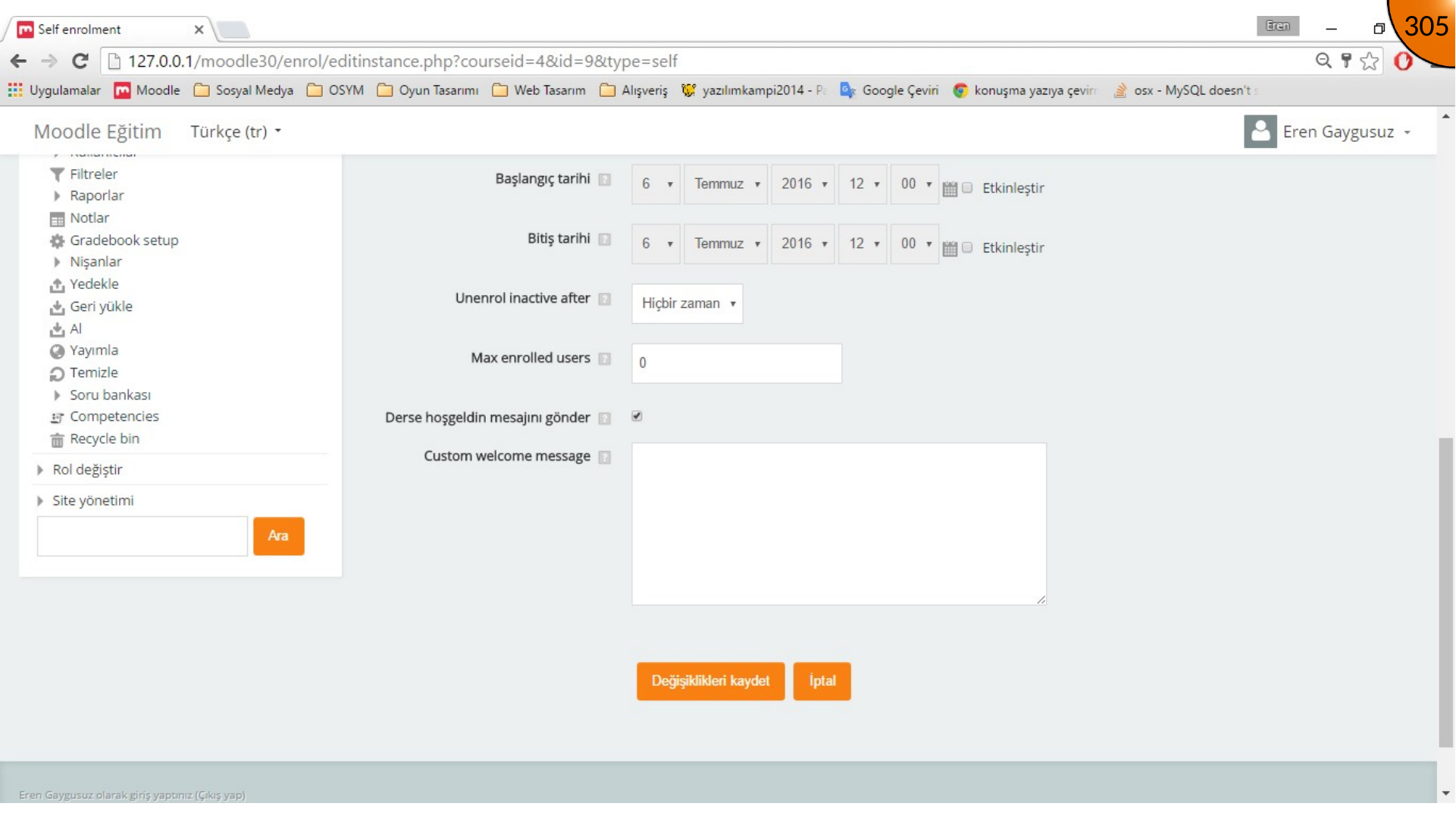
Enter a custom instance name and an enrolment key. You can also set start and end dates to restrict when the key can be used, then save the changes.
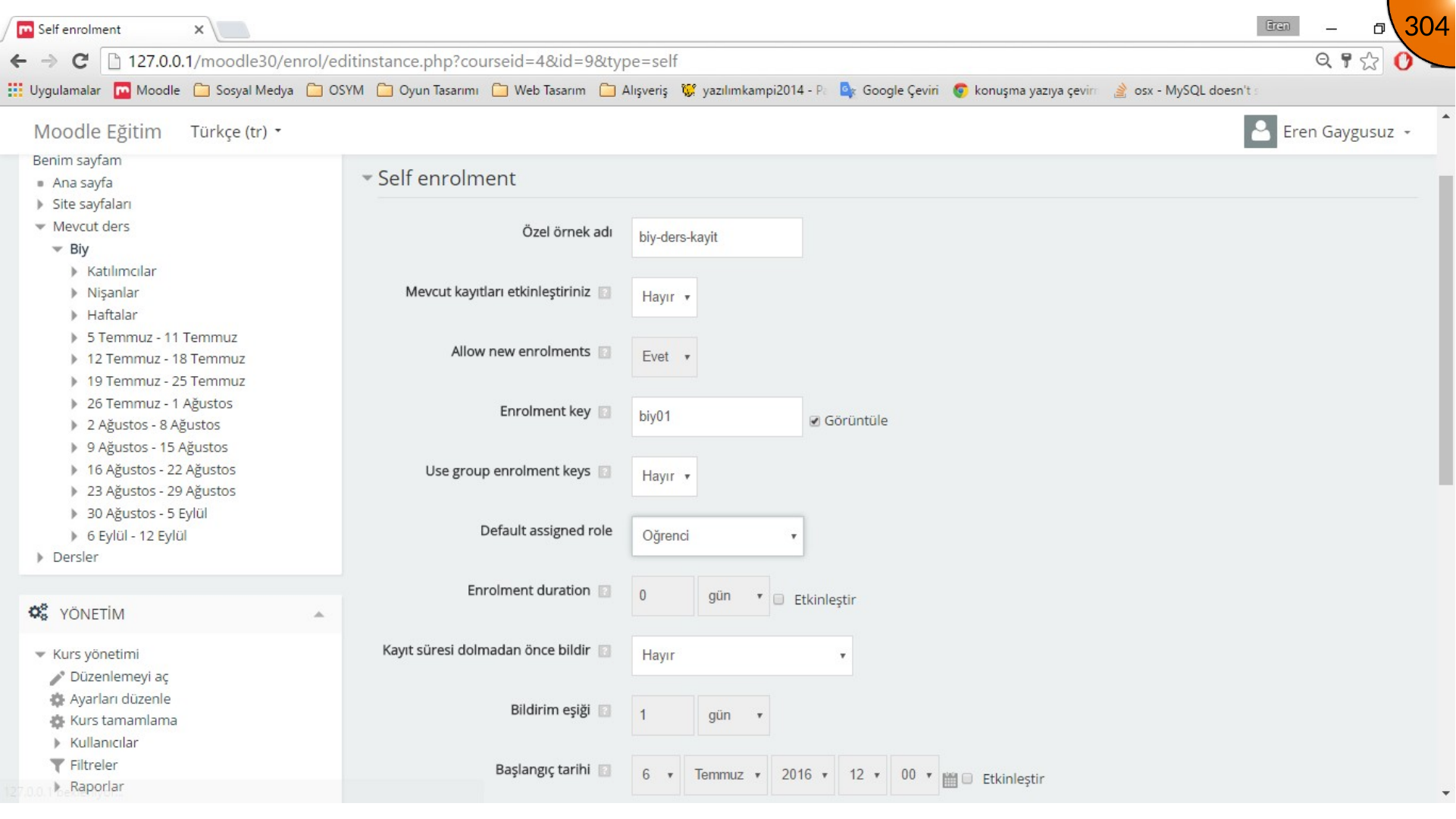
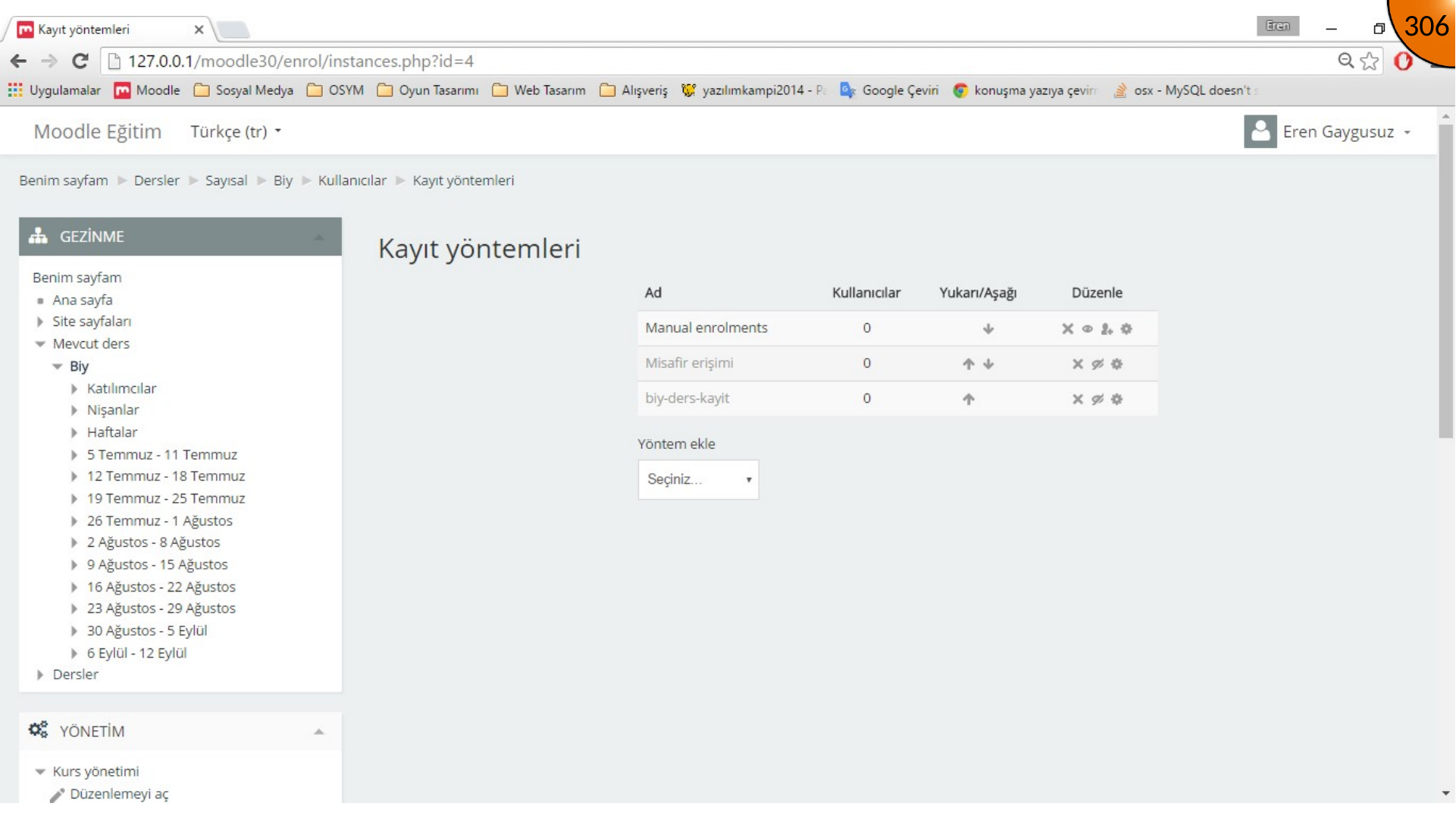
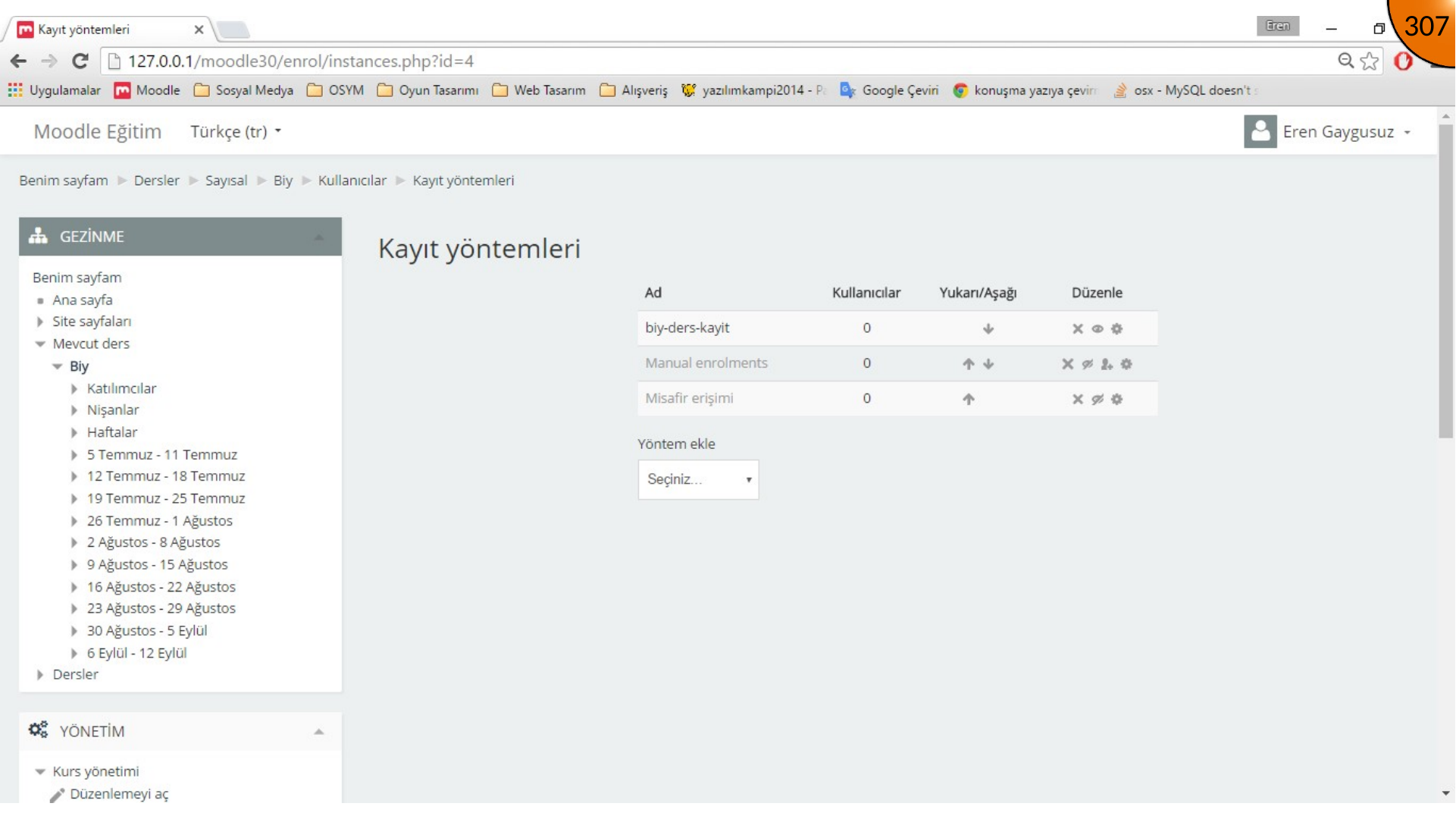
Enable the self-enrolment method. In the source workflow, manual enrolments are disabled and self-enrolment is moved to the top of the method list.
Testing Student Enrolment
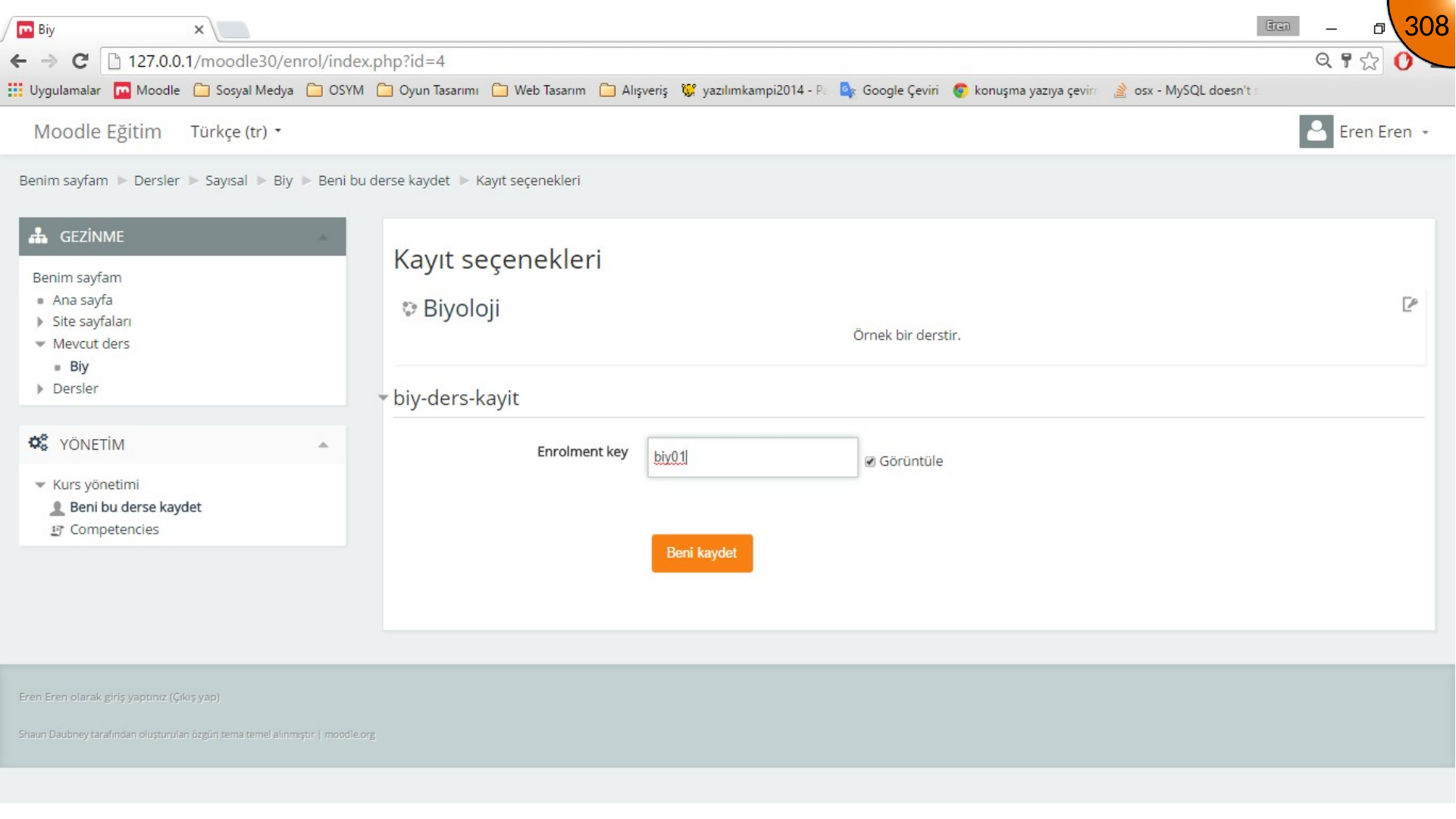
Sign out of the administrator account, sign in as a learner, open the course, enter the enrolment key, and select the enrol button. Confirm that the learner is successfully added before continuing.
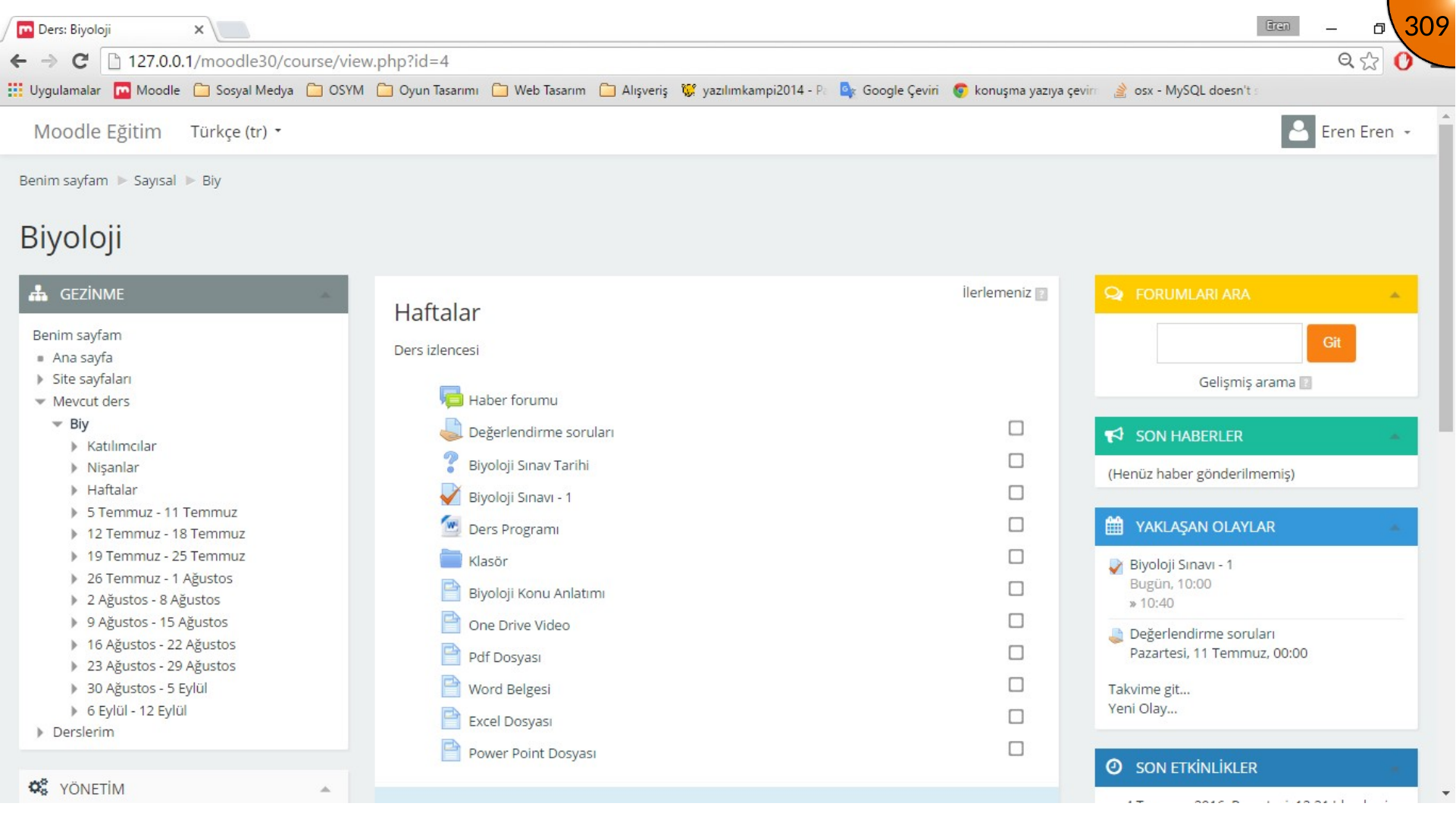
Setting Quiz Dates
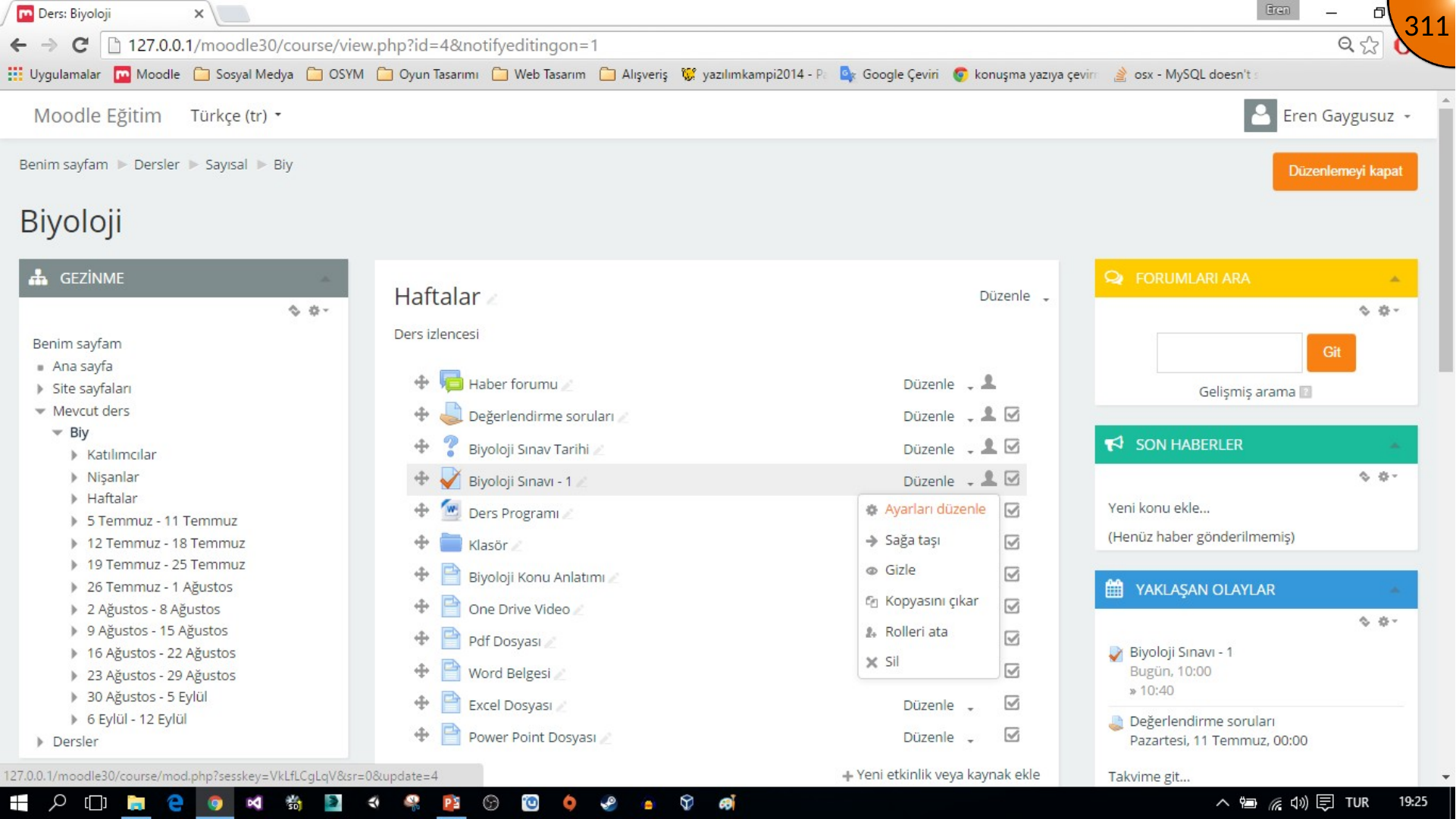
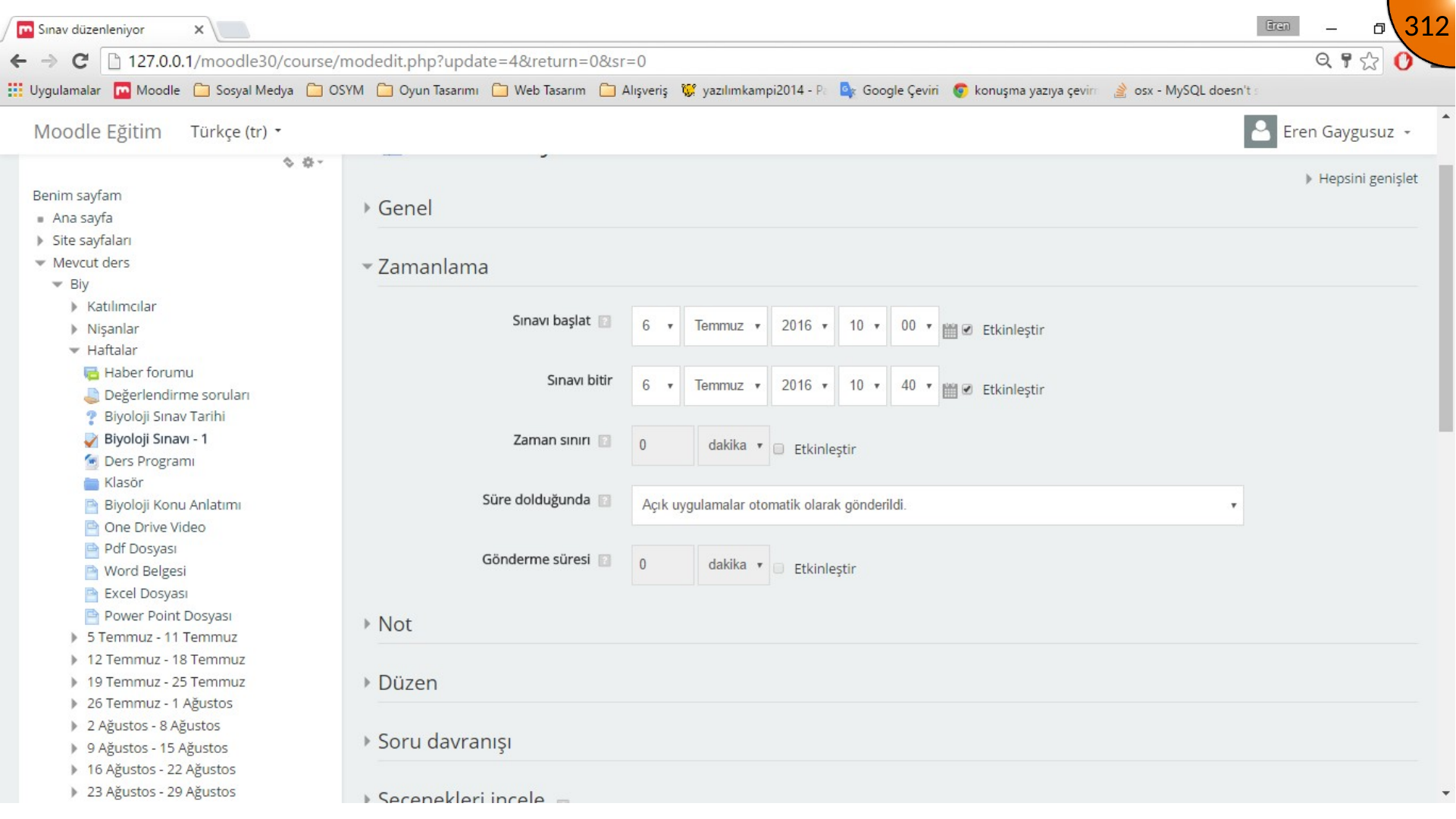
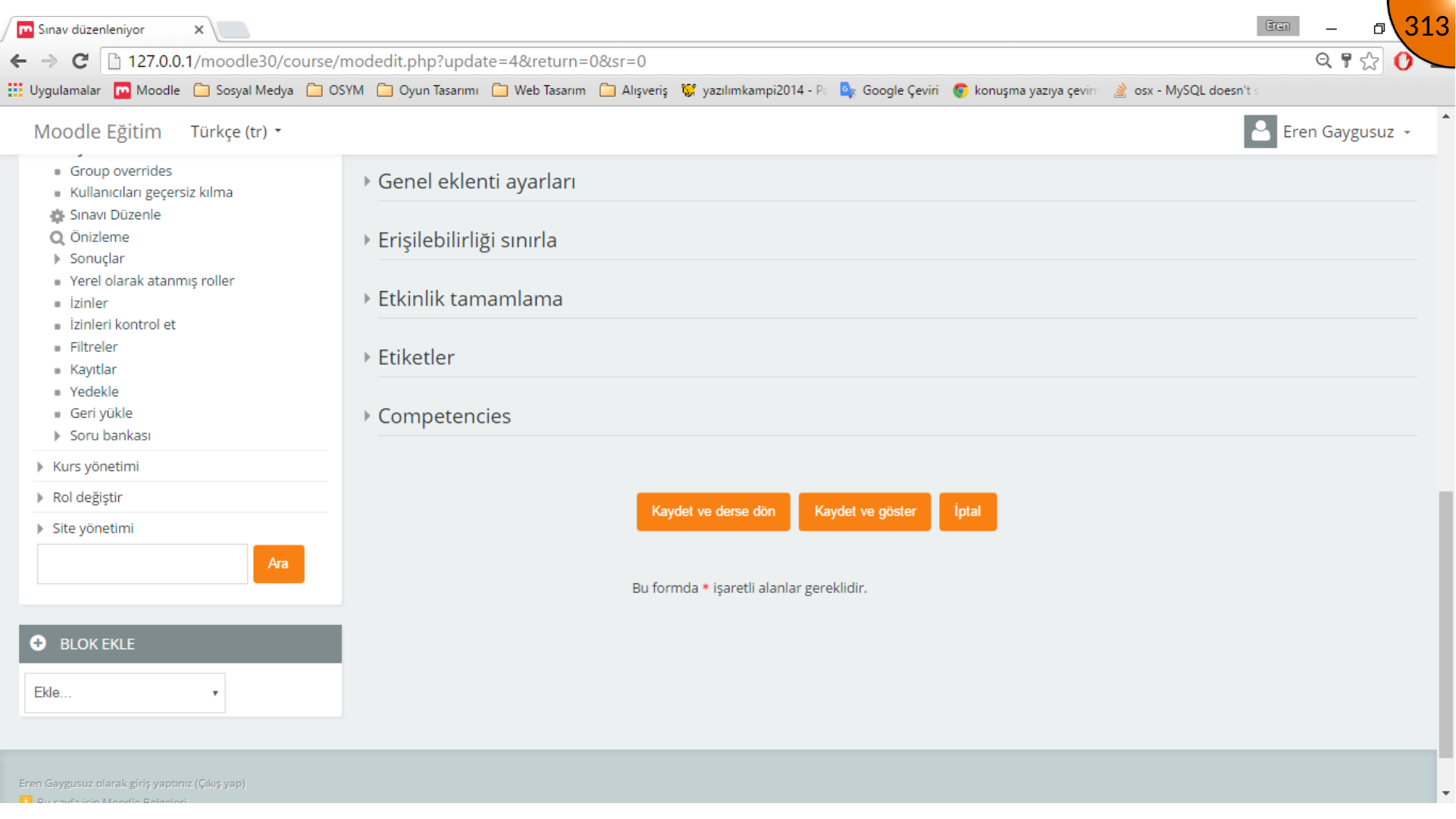
Return to the administrator account and open the course containing the quiz. Turn editing on, open the quiz settings, set the opening and closing date/time slightly ahead of the current time, then save and return to the course.
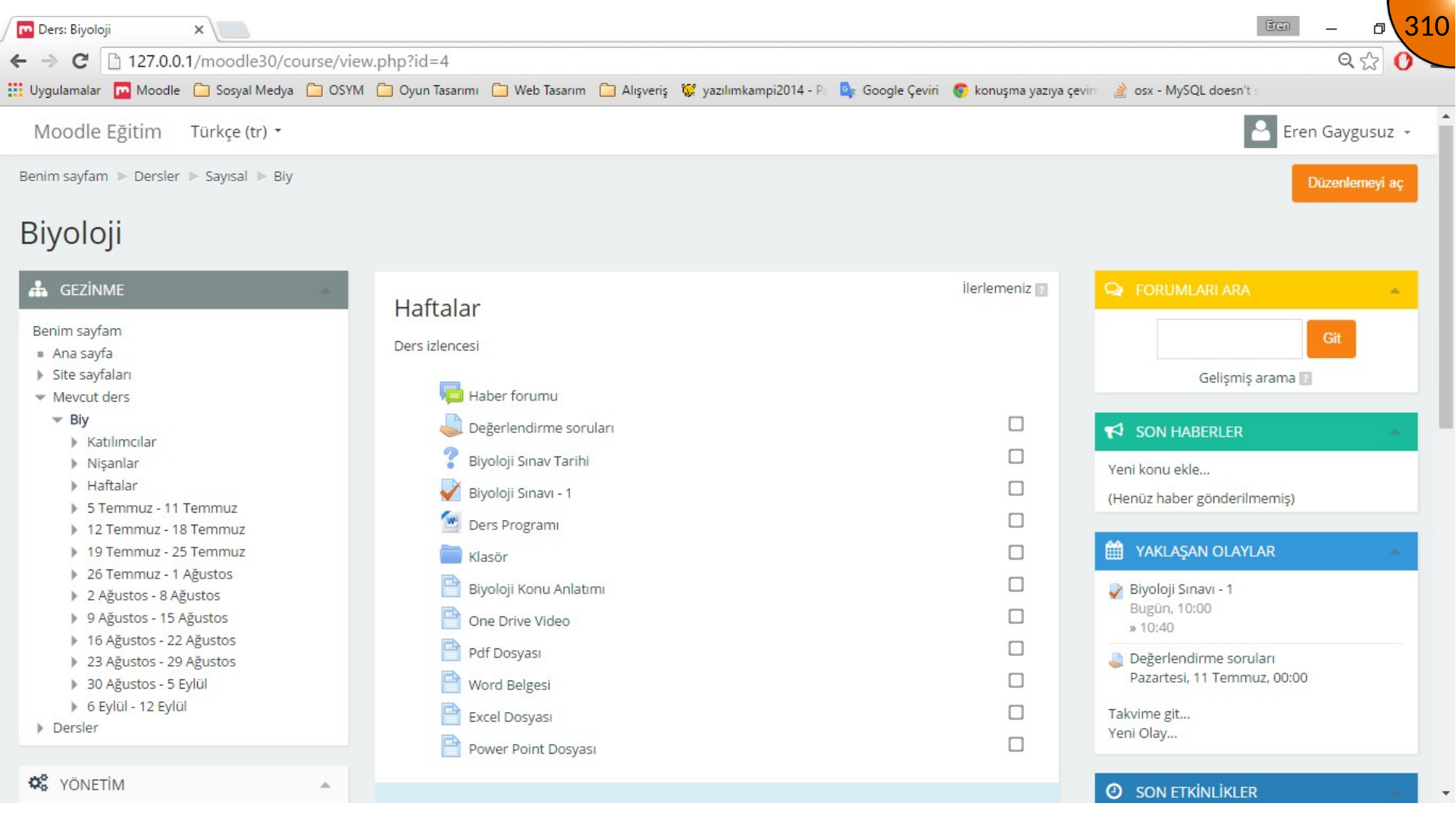
Configuring Regional Settings
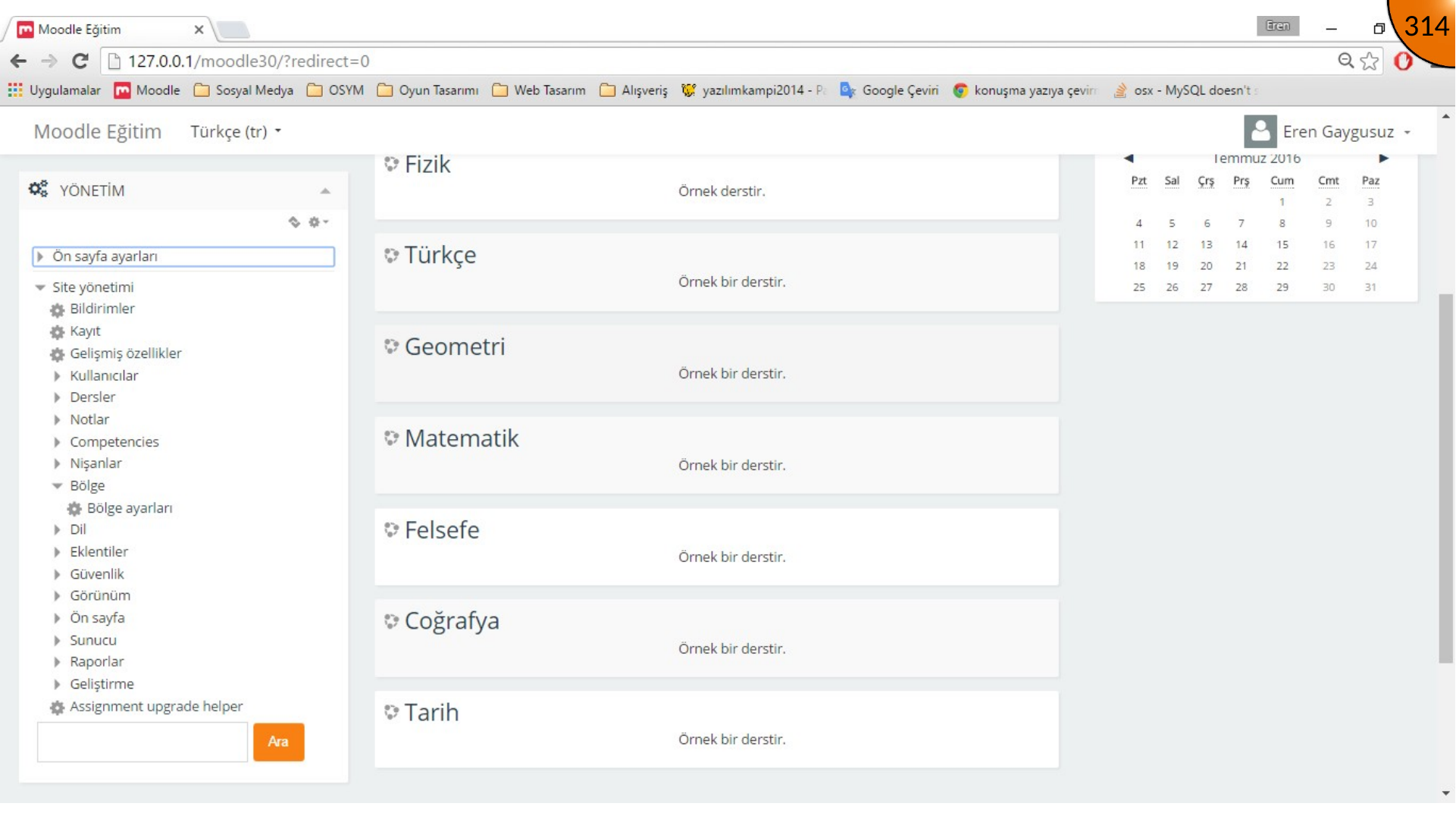
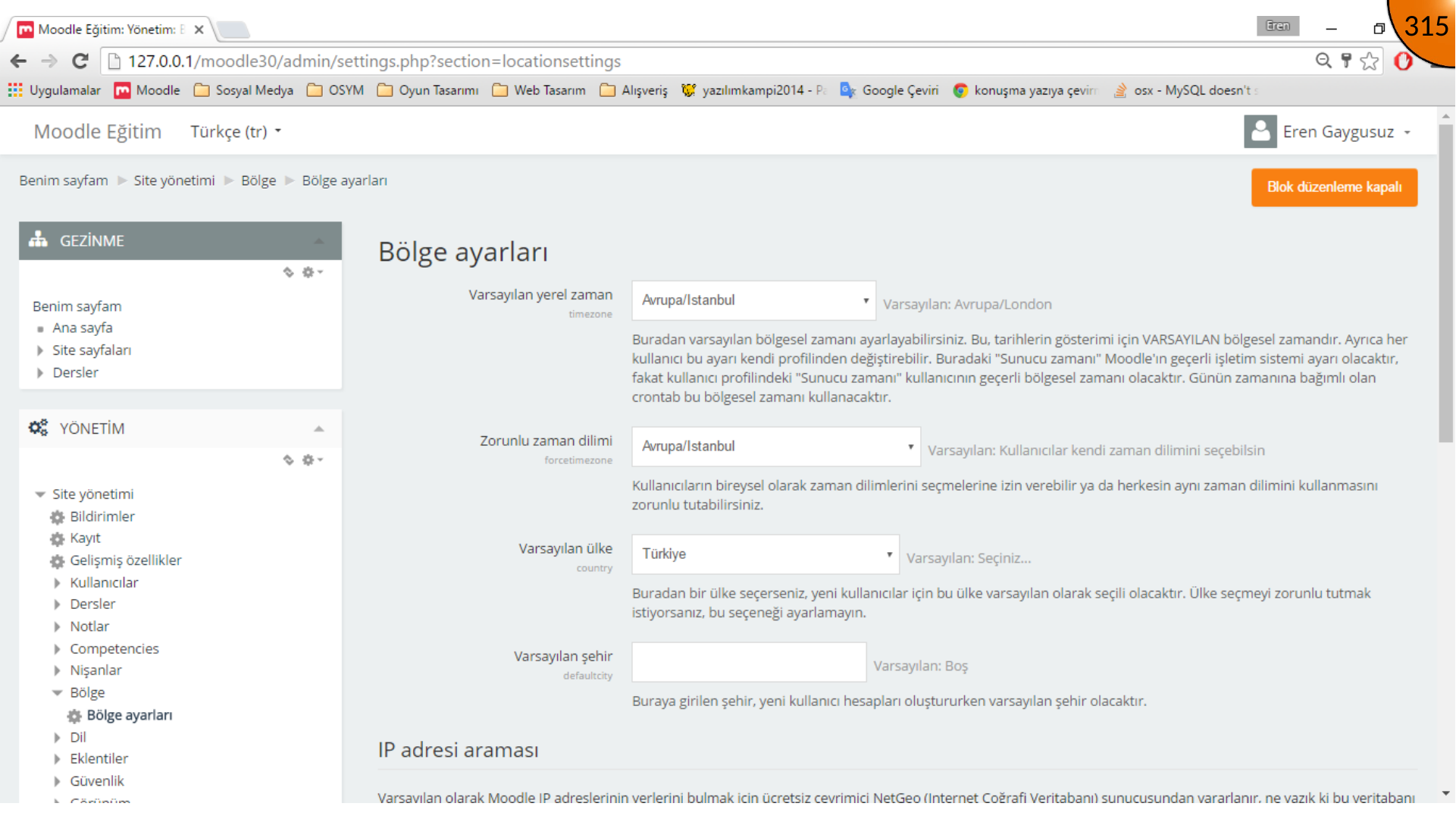
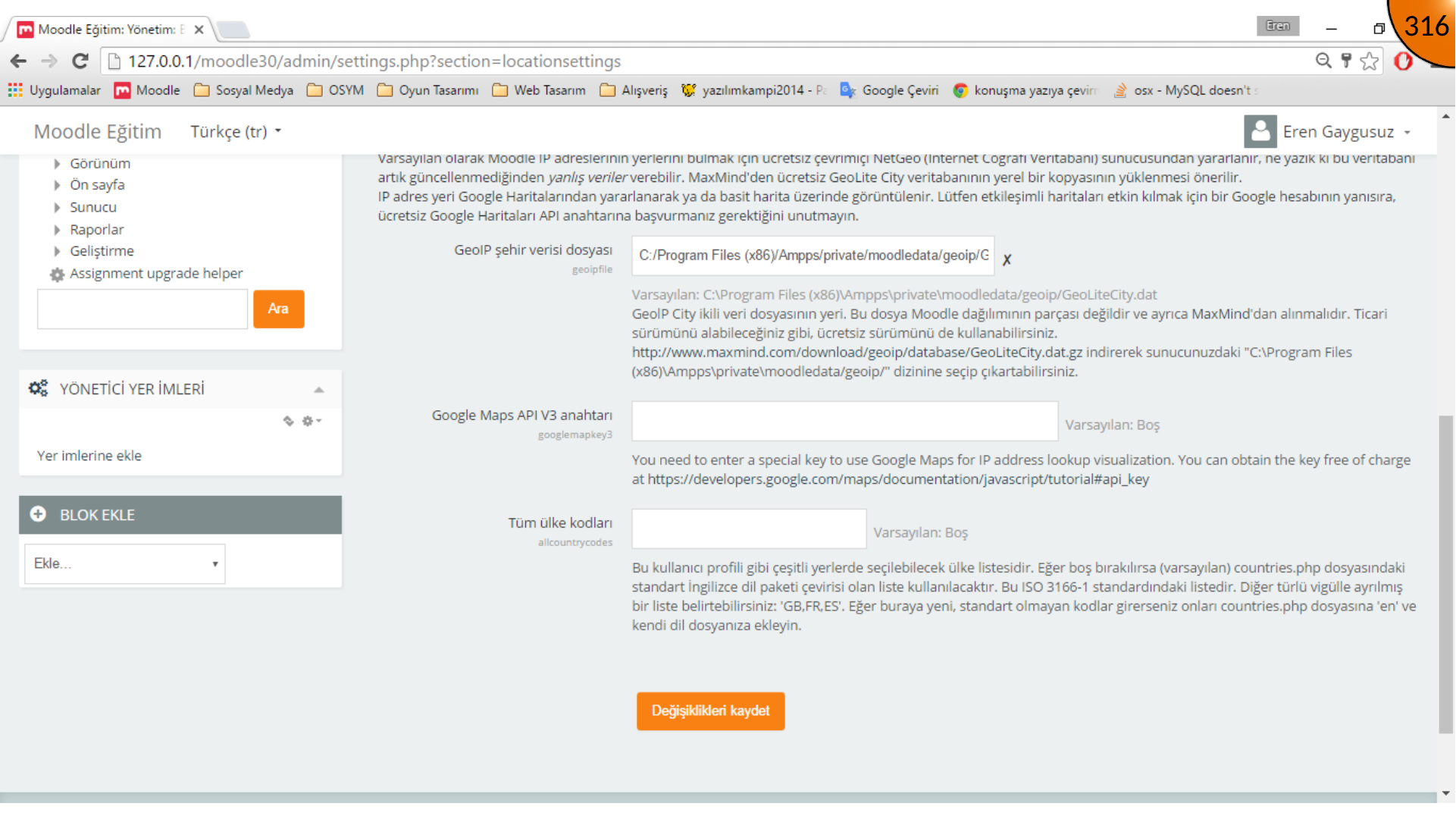
Follow the site administration/regional path to regional settings. In the source, the default local time and forced time zone are set to Europe/Istanbul, and the default country is set to Turkey. Save the changes.
Confirming the Learner Experience
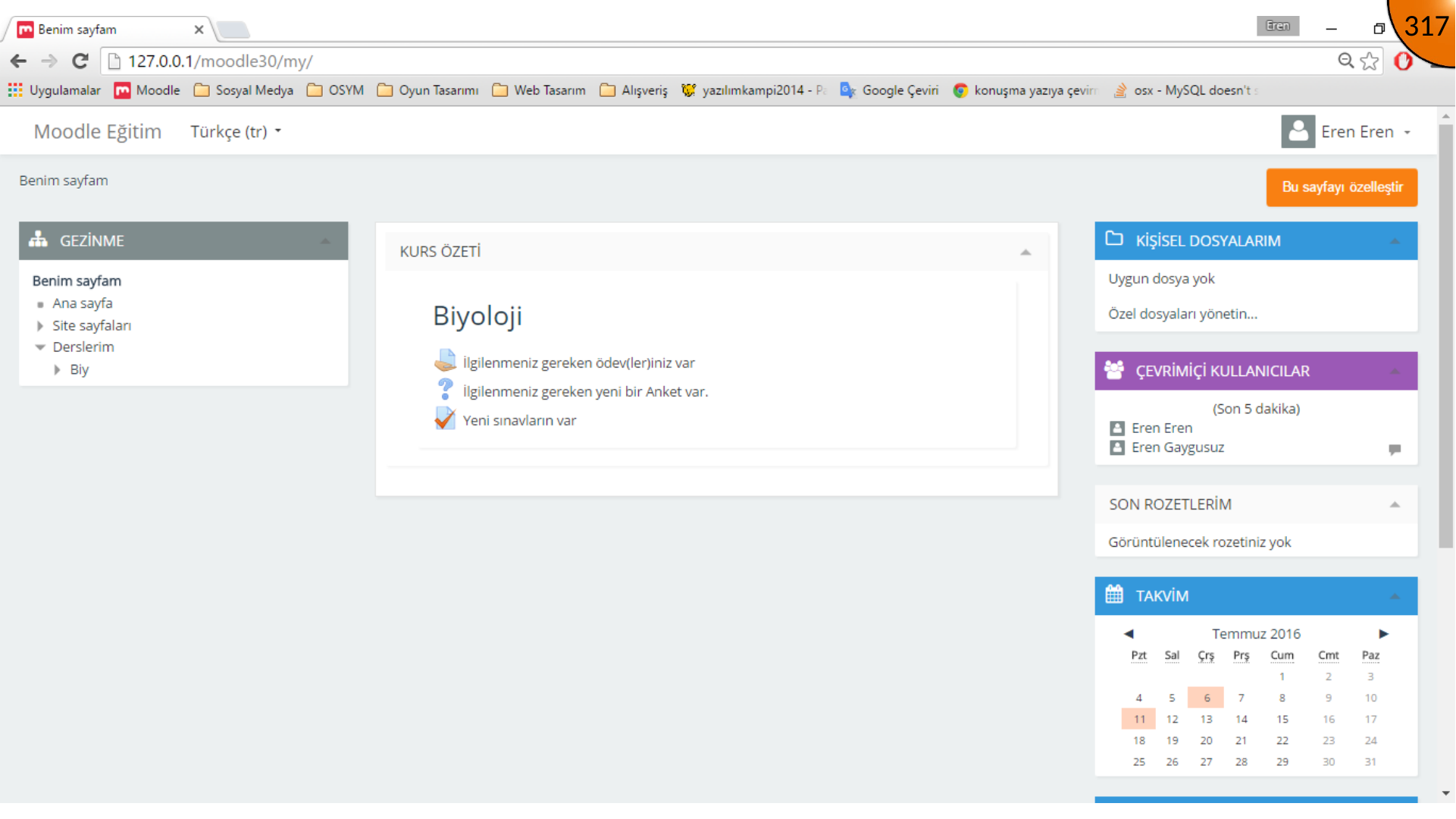
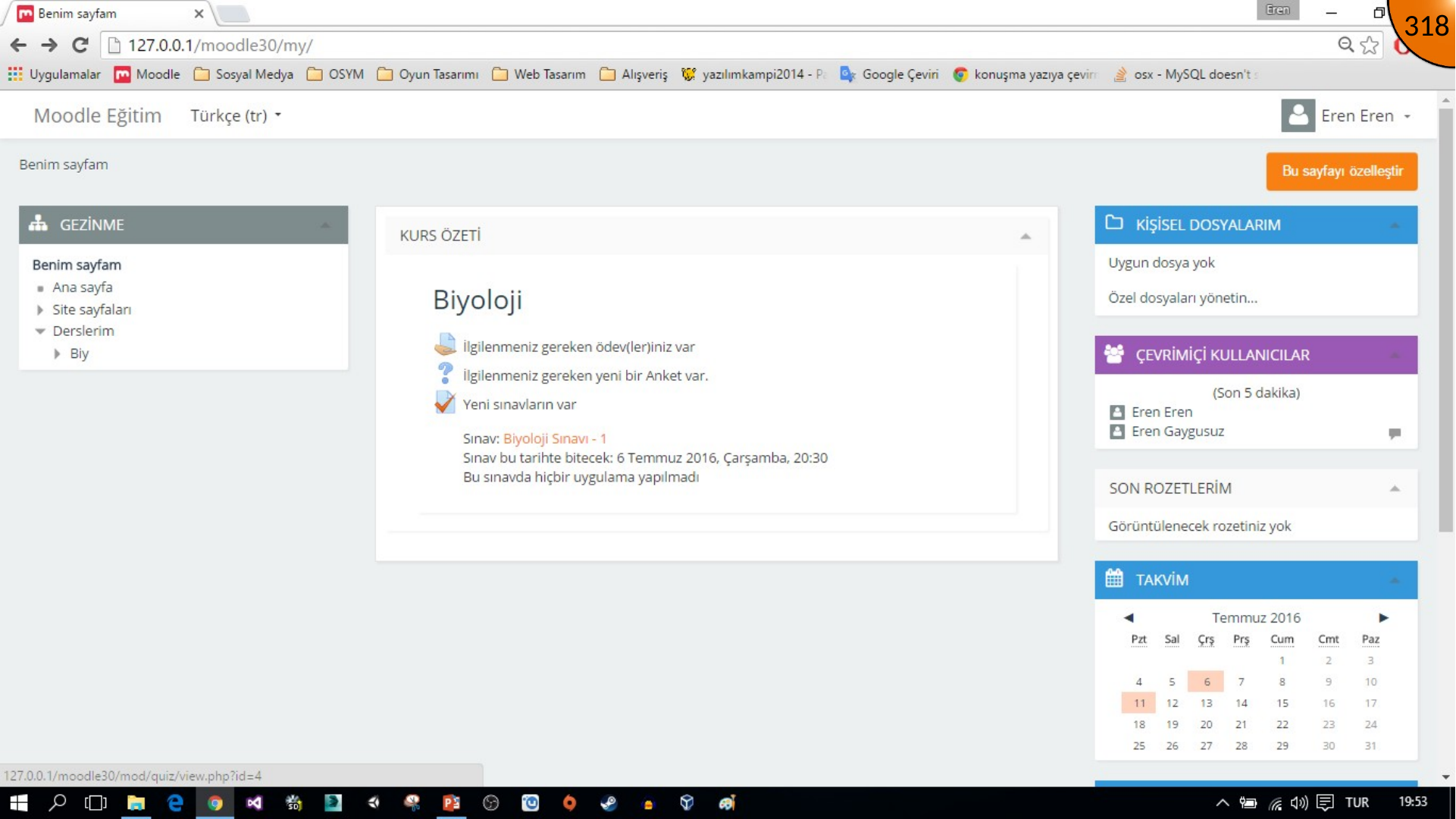
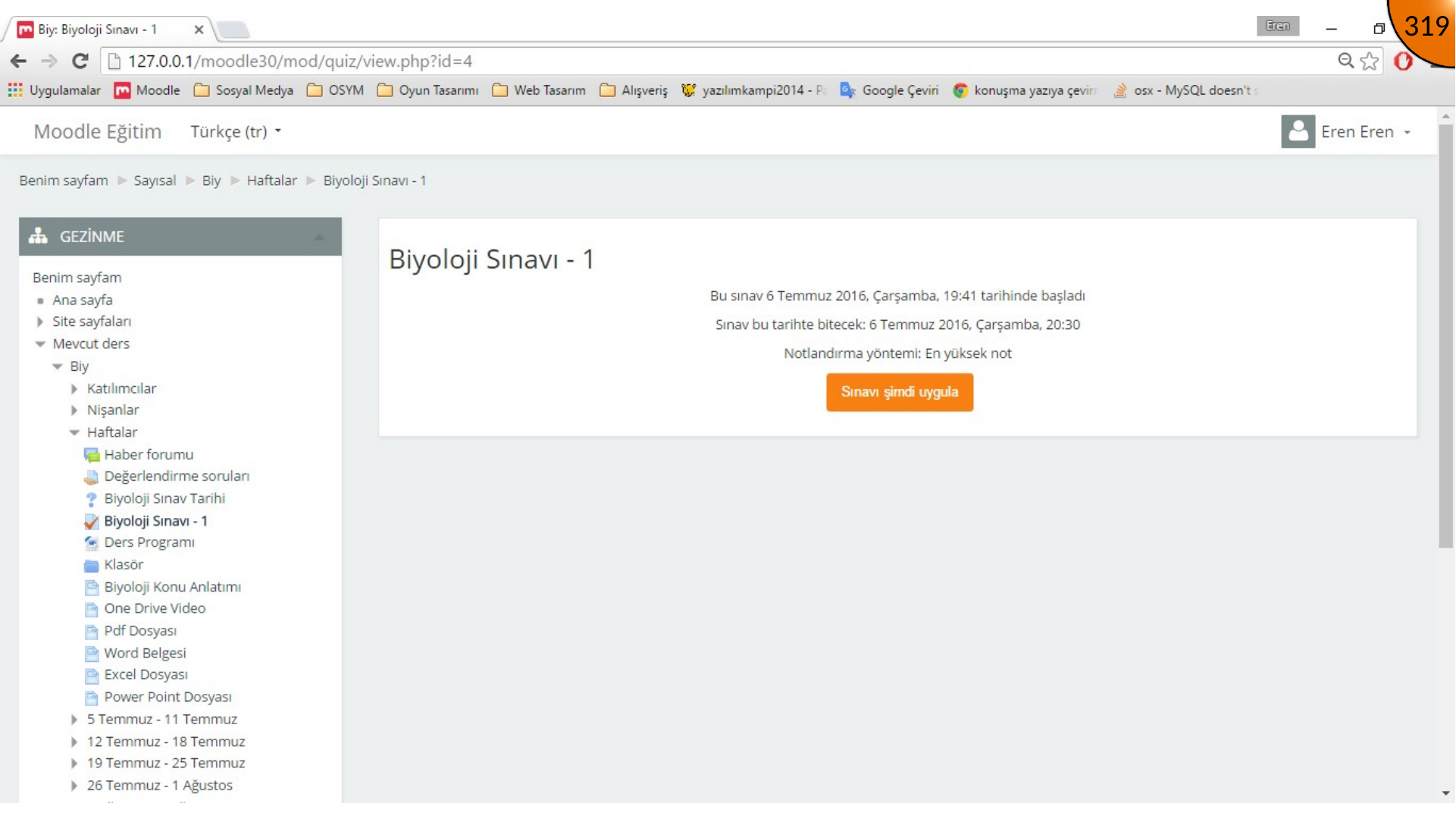
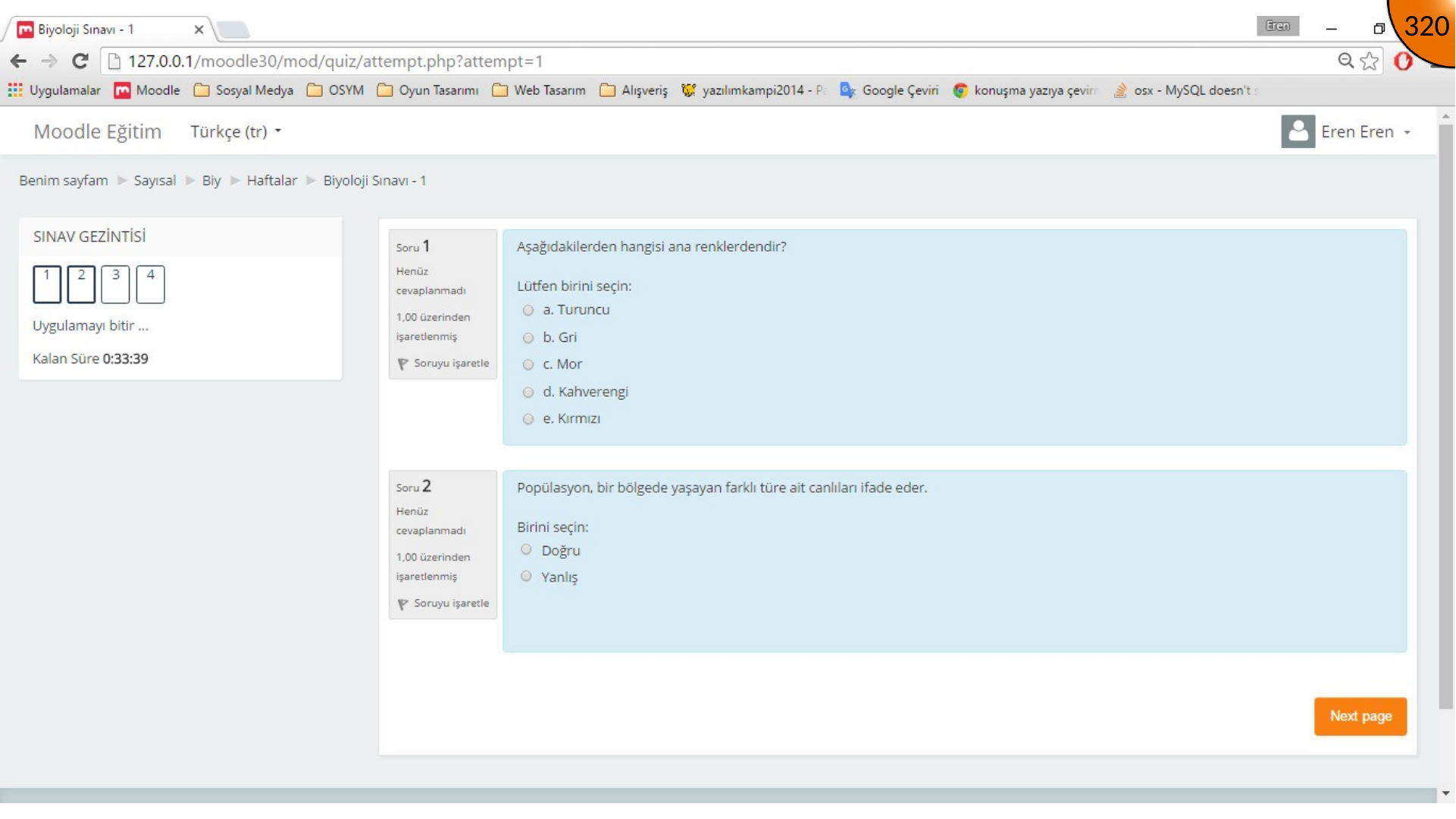
Sign in as the learner again. Open the new-quiz notification from the course overview, choose the quiz, and start the attempt. The source shows the quiz becoming available after the enrolment, date, and regional settings are corrected.
Summary
A learner can join through the enrolment key and access the quiz when course enrolment, quiz availability, and regional time settings agree. Always test the complete learner flow before announcing an assessment.
Comments